Mobirise Website Builder

WIZARD

How It Works?

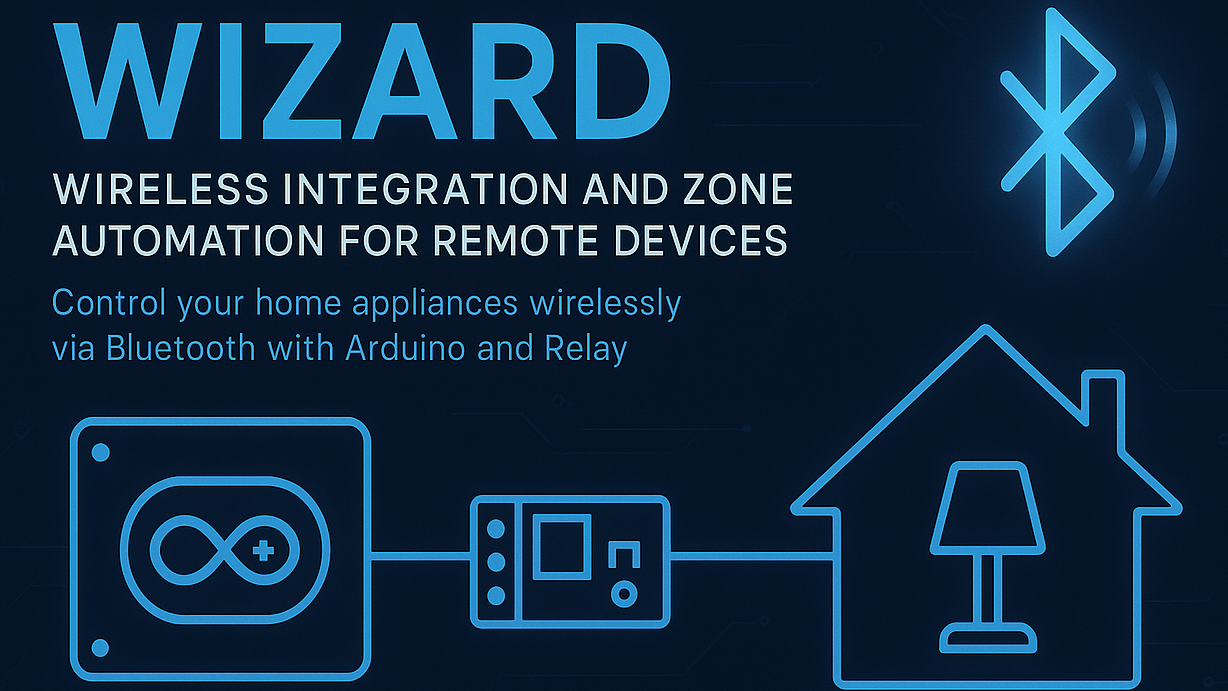
WIZARD is a Bluetooth-based smart home automation system designed to let users control household appliances from a smartphone. It creates a seamless connection between the phone, the Arduino controller, and multiple relay-driven devices.

1. Device Control via Smartphone
. The user operates a mobile app or a simple Bluetooth terminal.
. Commands (e.g., ON/OFF) are transmitted wirelessly to the Arduino.

2. Bluetooth Communication
. The system receives commands through the HC-05 Bluetooth module.
. Each command corresponds to a specific appliance or zone.

3. Arduino Processing
. The Arduino interprets the incoming command.
. Based on the instruction, it toggles the appropriate relay.

4. Relay Activation
. The relay module switches the connected appliance’s power state.
. Lights, fans, chargers, room circuits, or any other low-power or high-power devices can be controlled safely.

The result is a simple, robust home automation system with reliable wireless control.

Hardware Components

1. Arduino (Uno / Nano / Mega)
. Main controller board.
. Processes Bluetooth commands and operates the relays.

2. HC-05 Bluetooth Module
. Manages wireless communication with the smartphone.
. Easy pairing, stable connection, suitable for home automation.

3. Relay Module (1–8 Channels)
. Responsible for switching appliances ON/OFF.
. Can handle fan, bulb, socket, or small appliance loads.

4. Power Supply Unit
. Provides stable 5V power to Arduino and relays.
. Ensures safe switching without fluctuations.

5. Appliances / Loads
. Lights
. Fans
. Chargers
. Room circuits
. Any device connected through relay channels.

Open Source Elements

1. Circuit Diagram

- Image         - SVG file

2. Code

- Direct Download (For Complete code contact Shashwat Aneja)
Mobirise Website Builder

Real Life Cricket Experience in VR

How it Works?

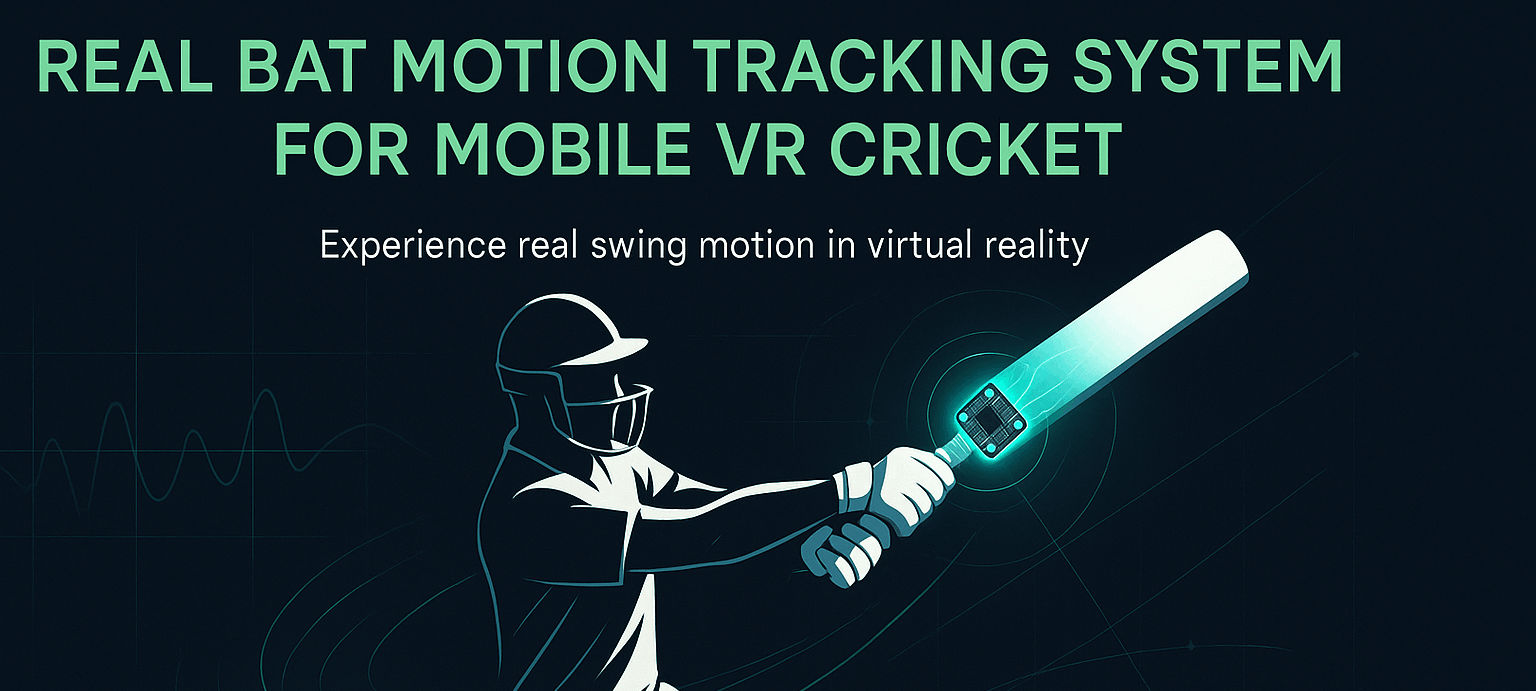
The VR cricket system tracks both the player’s head and the real bat to recreate authentic batting inside a virtual stadium.

1.  Head Tracking
. The phone sits inside a VR headset.
. The phone’s gyroscope + accelerometer handle head rotation.
. This data updates the VR camera’s orientation in real time.

2.  Bat Motion Tracking
. An MPU6050 is mounted on the real bat.
. It measures acceleration, angular velocity, and orientation changes during a swing.
. An Arduino Nano reads this sensor data.
. The data is sent to the mobile device over Bluetooth.
. Unity/Godot interprets this input to animate a virtual bat perfectly synced to real movement.

3. Gameplay Interaction
- When you swing the bat in the real world, the VR system updates:

. Bat angle
. Swing speed
. Bat path

- The game uses this to calculate:
. Timing
. Contact with the ball

4. Core Mechanics
. Power and direction of the shot
. Immersive Response
. Stadium crowd reacts to boundaries.
. AI fielders chase and catch based on the ball’s physics.
. Bowler animation triggers the delivery sequence.

Everything works together to give a realistic, responsive cricket VR experience.

Hardware Components

1. MPU6050
. 3-axis accelerometer
. 3-axis gyroscope
. Tracks swing orientation + speed.
. Mounted securely on the bat.

2. Arduino Nano
. Reads raw sensor data from MPU6050.
. Processes IMU readings (filters, smoothening).
. Sends processed data to the phone via Bluetooth.

3. Bluetooth Module (HC-05 / Inbuilt BLE)
. Wireless communication between Arduino and phone.
. Ensures low-latency bat tracking.

4. Phone-based VR Headset
. Uses the phone’s built-in sensors for head rotation.
. Displays the VR environment.
. Inexpensive and lightweight setup.

5. Real Cricket Bat
. Physical bat fitted with the sensor.
. Gives authentic feel while batting.

Open source Elements

1. Stadium Design

- Direct Download        - Weblink

Want to Learn About XYLO?
Click Here